Once upon a time I bought the stationary Unitek disk station for ease disks backuping and identifying. After buying it accidently run into some forum I read the bad opinion of some user complaining on the disk damage after using the offline 1:1 copying option on this disk.
Aware of that when it came to copying two disks I wanted to do that using software. As my docking station is connected to computer with Linux Mint I wanted to use the tool for that OS. This is how I found Rescuezilla. To even make all the process saftier and better isolated I wanted to run it as a bootable .iso image from pendrive that would skip the unnecessary computer’s OS.
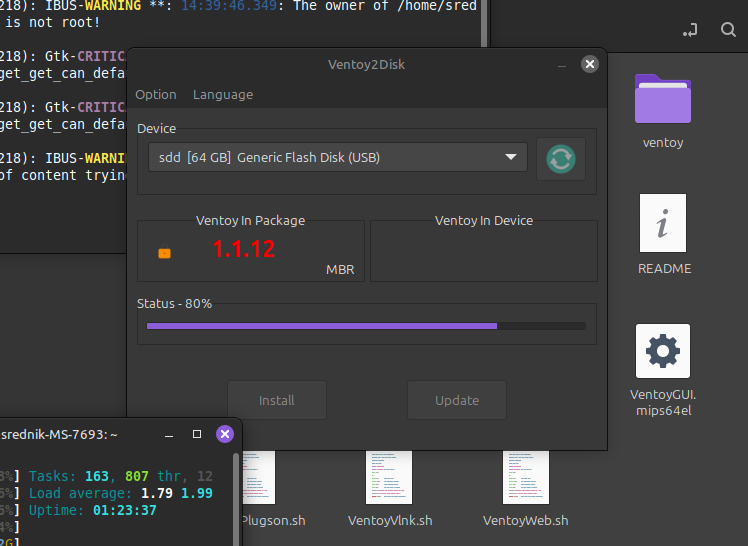
Normally I would use Rufus as I got used to this tool, but no here, no on Linux. Recommended tool for Linux Mint is Ventoy. This is what I learned; Ventoy is a modern (created in 2020) tool for bootables pendrives that is using virtualization. It creates partition that you can put the .iso images into and it will be recognised by any booting system allowing user to choose from which iso he wants to start computer.
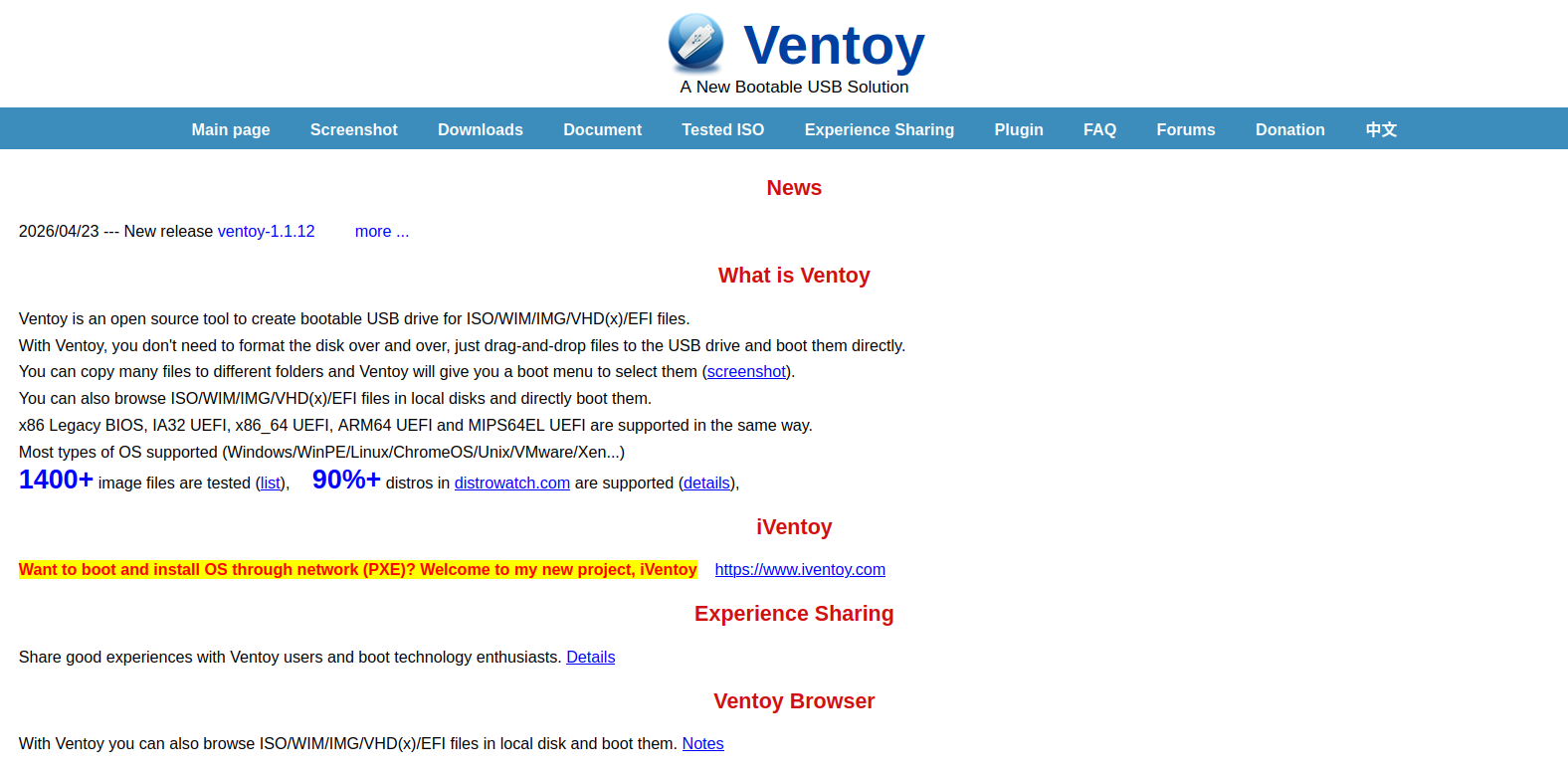
Before knowing that I had like 4 seperate pendrives for different systems, tools. Now I can take one 64gb pendrive and put there all interesting tools and boot easily from any that I need. How many pendrives I would save if knowing that earlier.