I lived with Ubuntu and Windows 11 and 10 on Triple boot. With Ubuntu as a main operating system if I needed to use Windows I restarted computer and log into Windows.
Finally I really needed fast access to Windows system for my HOMM3 retro style blog to test some assets using program that only works on Windows.
It pushed me to finally take over with KVM as a new virtualisation tool in my vocabulary beside the Oracle VirtualBox that was already wide used by me.
Tutorial on:
https://www.freecodecamp.org/news/turn-ubuntu-2404-into-a-kvm-hypervisor/
Here useful tutorial for using virt-manager (Program on desktop instead of web access) and improving performance of VM:
https://www.youtube.com/watch?v=q8ZsO-h14Po
Summary of steps:
Transclude of public/ai/kvm-via-web-cockpit-for-ubuntu
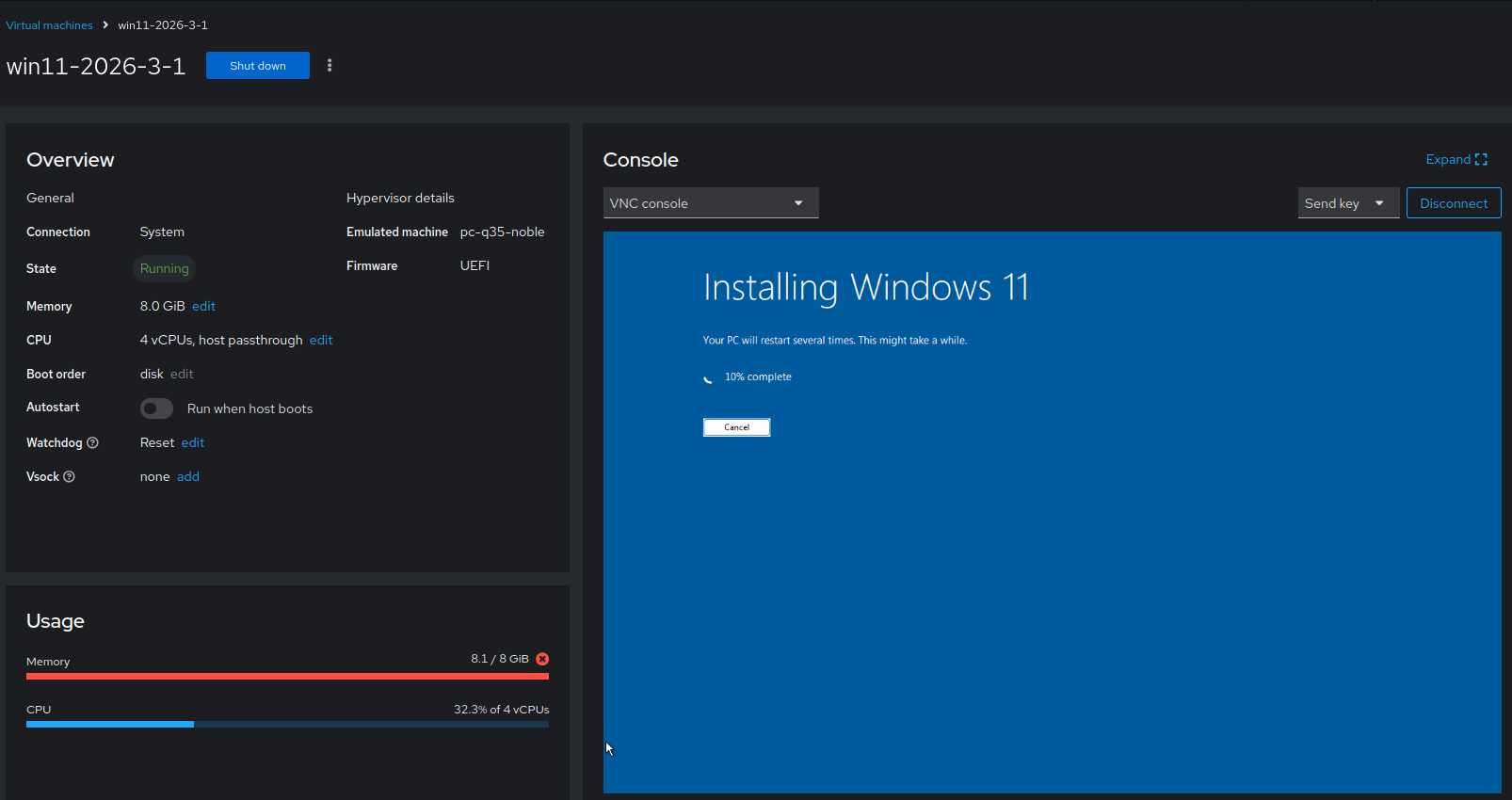
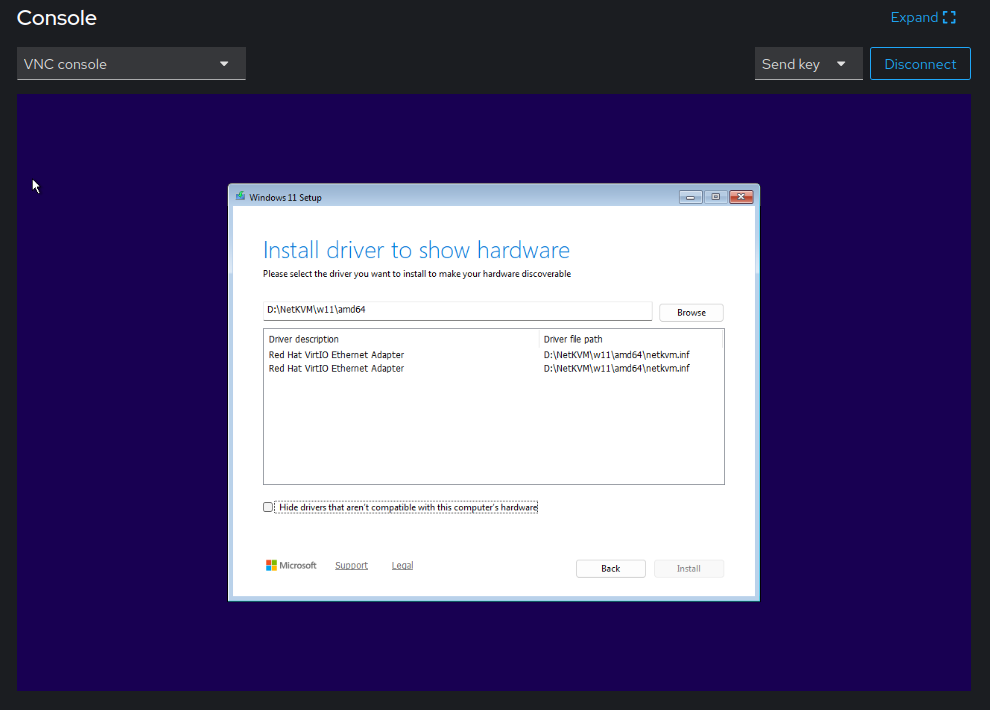
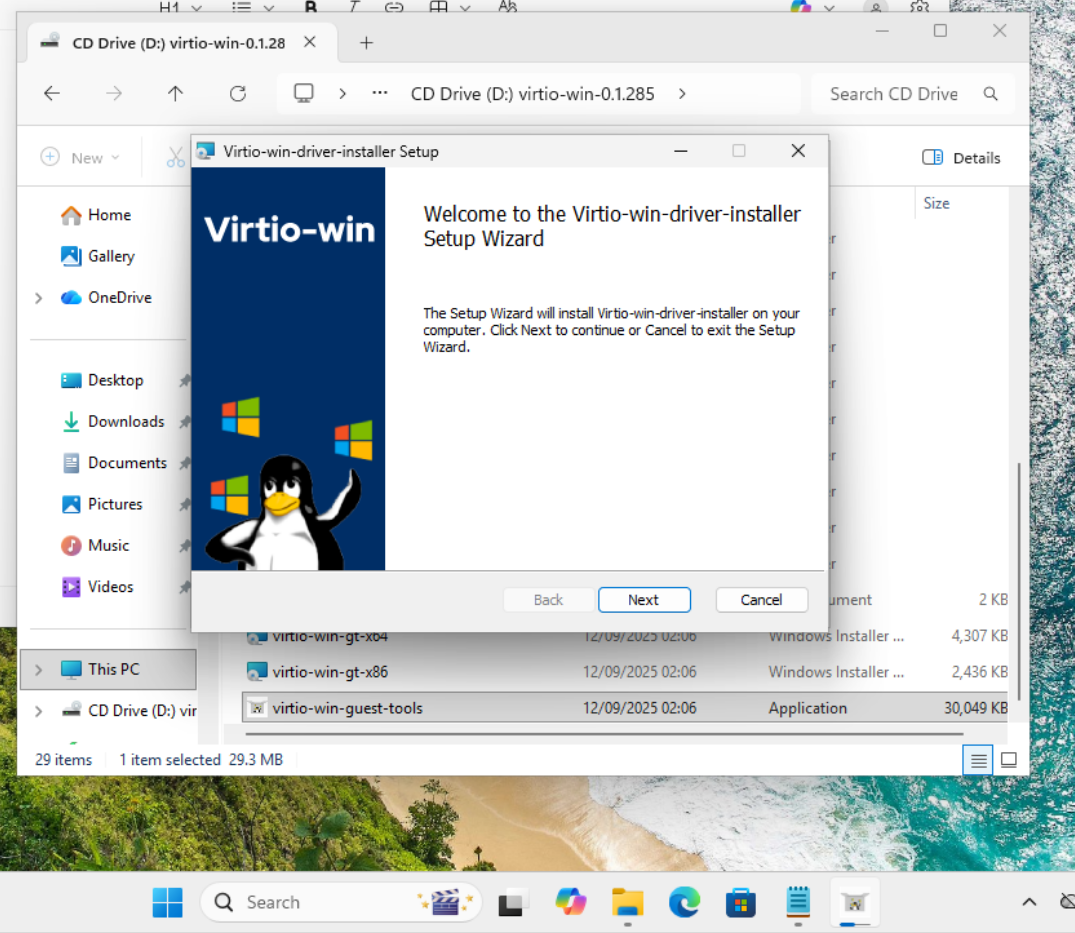
KVM enabling Shared folder
- Create directory for shared folder, remember it must be with execution of parent folders at least as
chmod +x /andchmod 777 /for exact folder to share. - For shared folders install
sudo apt install virtiofsdthen restart service `sudo systemctl restart libvirtd - Under
env EDITOR=nano sudo virsh edit Win11user can edit KVM settings. - Download and install WinFSP in VM and install .msi file to make the shared folder visible on VM.
https://github.com/virtio-win/kvm-guest-drivers-windows/wiki/Virtiofs:-Shared-file-system - Enable the
VirtIO-FS Serviceon VM if Error 1053 showed there must be something wrong with loading drivers. Look again to github there I found solution last time.